Chapter 8 EMMC#
Using EMMC on a Linux system#
The operating file of EMMC in the Linux system is/dev/mmcblk0. To use EMMC in the Linux system, you need to set the partition, format the partition, and mount the partition. For example
#If a partition already exists, unmount the partition firstsudo umount/dev/mmcblk0p1#Delete a partition for /dev/mmcblk0 and create a new partitionecho "dnp1w" | sudo fdisk/dev/mmcblk0#Format the /dev/mmcblk0p1 partition into ext4 formatecho "y" | sudo mkfs.ext4/dev/mmcblk0p1#Mount /dev/mmcblk0p1 to /media/sd-mmcblk0p1sudo mkdir/media/sd-mmcblk0p1 && sudo mount/dev/mmcblk0p1/media/sd-mmcblk0p1Once mounted, you can manipulate the files in the mounted path, and these files will eventually be saved in the EMMC.
Test the EMMC using the system’s built-in script#
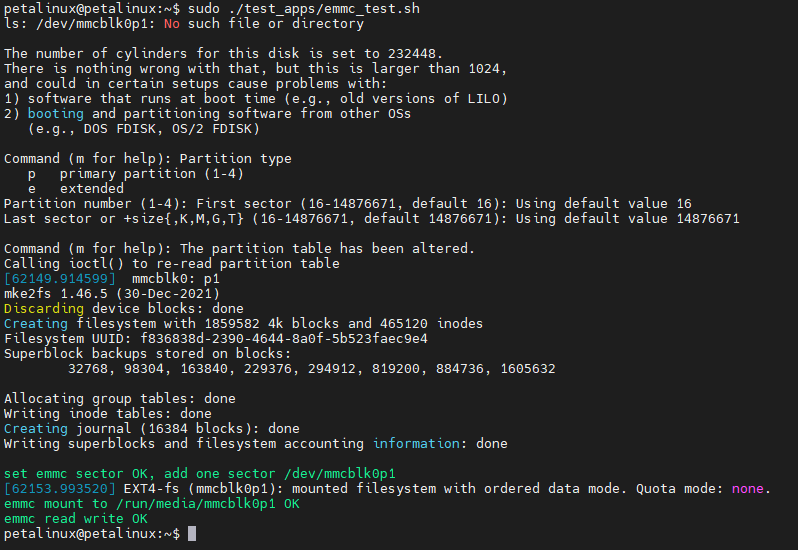
Run
sudo ~/test_apps/emmc_test.sh :